
Draw, designand ship vectors
Illusion is a vector design studio for the web, Linux and Android tablets. Precise pen tools, pressure-sensitive brushes and print-ready export — every stroke stays an editable vector.
Start here
InstallUse it in the browser, install the Linux app, or put it on your Galaxy Tab.
Workspace tourSimple Mode for drawing, Studio Mode for the full toolset — and how to switch.
Your first drawingDraw, color, group and export a small illustration step by step.
Popular guides
Brushes & texturesSketch Pencil and Charcoal with paper grain, pressure and texture controls.
PenCorners, curves, 45° snapping and closing paths.
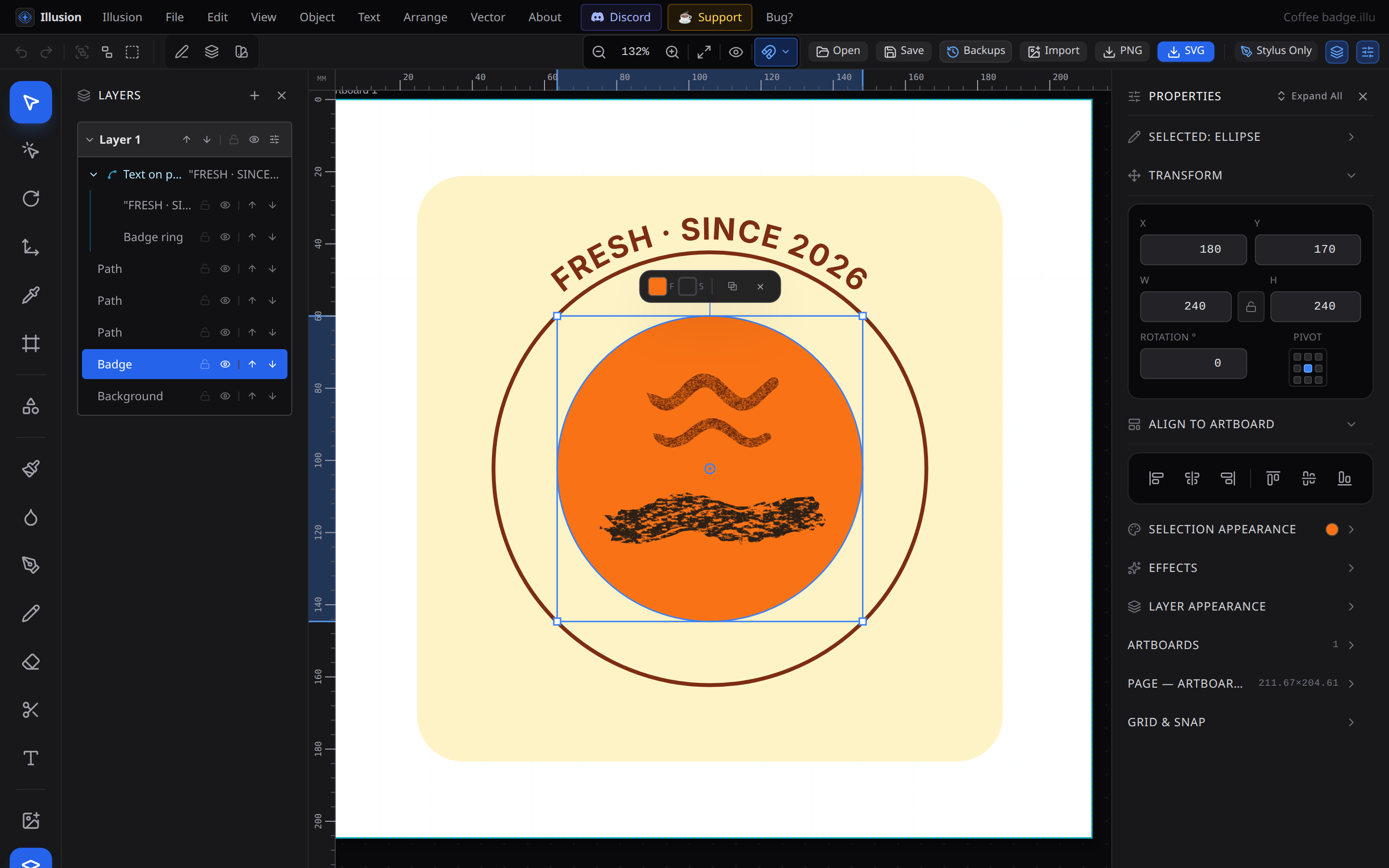
Type on a pathRun text along circles and curves, and edit it in place.
Combine shapesUnite, subtract, intersect and trim to build complex shapes.
Export & printSVG, PNG and print-ready PDF — including PDFs that reopen fully editable.
S-Pen & gesturesPalm rejection, two-finger undo, pinch zoom and more on Android.
Need help fast?
Press Ctrl K to search these docs, see all keyboard shortcuts, or check troubleshooting. Still stuck? Write to vladimir@illusion.quest.